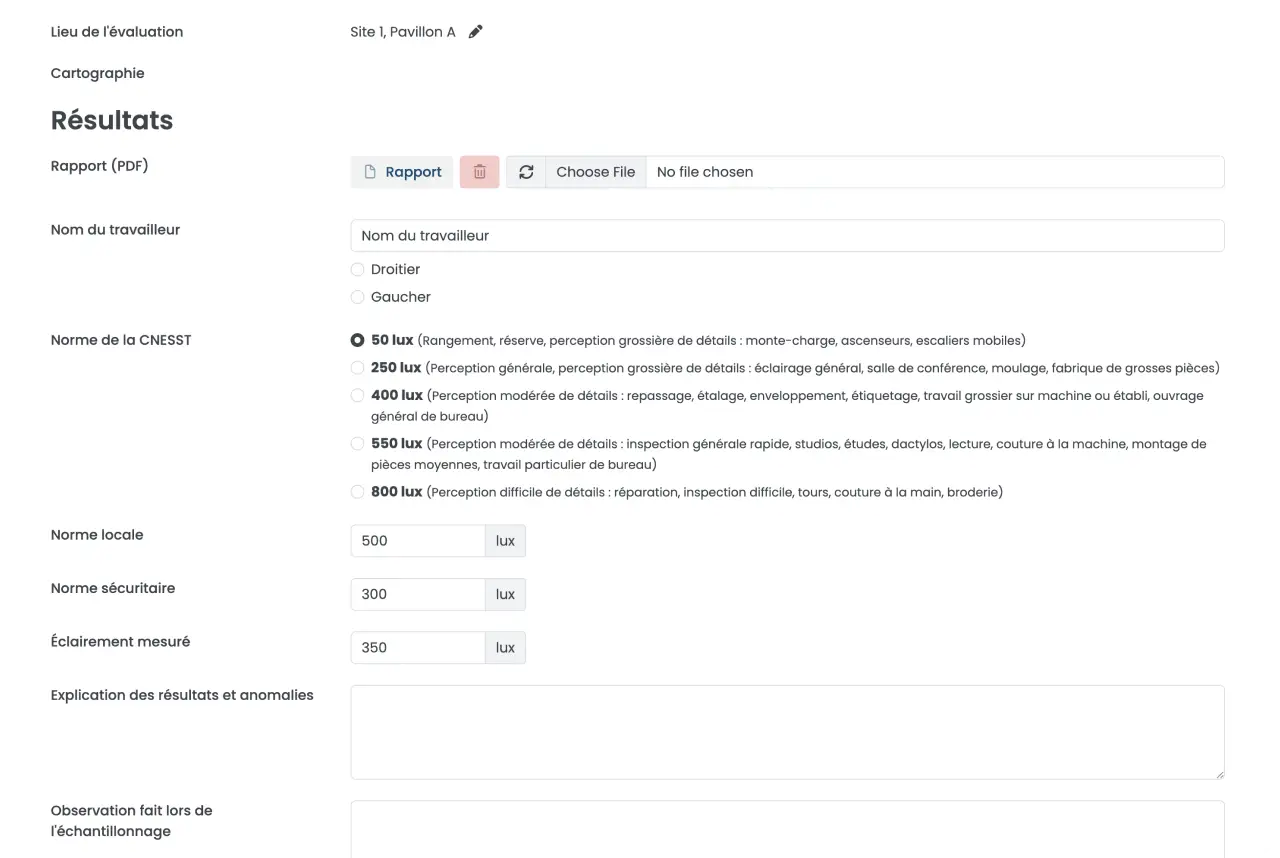
What you get with Preventis Lighting Ergonomics
Access illumination evaluations, lux measurements, facility lighting mapping, ergonomic control recommendations, and full regulatory reports from a single dashboard.
Centralize data
Eliminates silos and keeps ergonomists, hygiene teams, site managers, and executives perfectly aligned on visual workplace standards.
CNESST-ready reporting
Export ready documentation for safety inspections and visual hazard audits with ease.
24/7 accessibility
Securely view and export photometric data and reports from any device.
Comprehensive Visual Task & Workstation Evaluations
Segment your facility into specific lighting zones based on the visual demands of the tasks being performed (e.g., precision assembly vs. warehouse storage).
Evaluate the unique ergonomic risk profile of each workstation, accounting for factors like screen glare, shadowing, and strobe effects from machinery.
Update site profiles instantly when office layouts change, or new light fixtures are installed, ensuring your lighting risk assessments are always current.
Centralized Photometric & Ergonomic Data
Securely log all your illuminance (lux/foot-candles), luminance, and color rendering metrics in one centralized dashboard.
Track historical data to identify lighting degradation (e.g., aging bulbs), seasonal natural light impacts, or the success of recent ergonomic interventions.
Eliminate data silos by keeping your occupational health specialists, facility managers, and executive team on the same page regarding visual comfort and hazard mitigation.
Dynamic Illumination & Glare Mapping
Visualize your risk: Illumination mapping is an analytical technique used within the module to visually represent light levels and uniformity across your entire facility.
Identify visual hazards: Quickly spot dangerous low-light zones (slip/trip/fall risks) or areas with excessive glare causing visual fatigue and headaches.
Communicate clearly: Use visual heat maps to easily explain lighting deficiencies to workers, safety committees, and facility stakeholders.
Software Features at a Glance
Data Centralization
EHS Benefit
Eliminates spreadsheet errors and data silos across teams.
Québec Regulatory Impact
Consolidates records for immediate audit retrieval.
Noise Mapping
EHS Benefit
Visually identifies high-risk acoustic zones in the facility.
Québec Regulatory Impact
Demonstrates proactive risk assessment to inspectors.
Control Tracking
EHS Benefit
Manages PPE, engineering, and administrative workflows.
Québec Regulatory Impact
Documents the hierarchy of controls in action per RSST.
Cloud Reporting
EHS Benefit
24/7 remote access to historical and current safety data.
Québec Regulatory Impact
Ensures seamless, stress-free CNESST compliance reporting.
Seamless Integration with Preventis Field Services
The Preventis Lighting Ergonomics Module is built to work in perfect harmony with our data-driven on-site assessment services, providing you with a turnkey visual health program from physical measurement to complete digital management. Using a structured methodology aligned with Québec’s occupational hygiene best practices, our occupational hygienists identify, analyze, and optimize your facility's lighting design to eliminate visual hazards at the source. They then seamlessly upload crucial field data—such as lux readings and workstation assessments—directly into your software module for centralized tracking, reporting, and long-term control.
Contact Us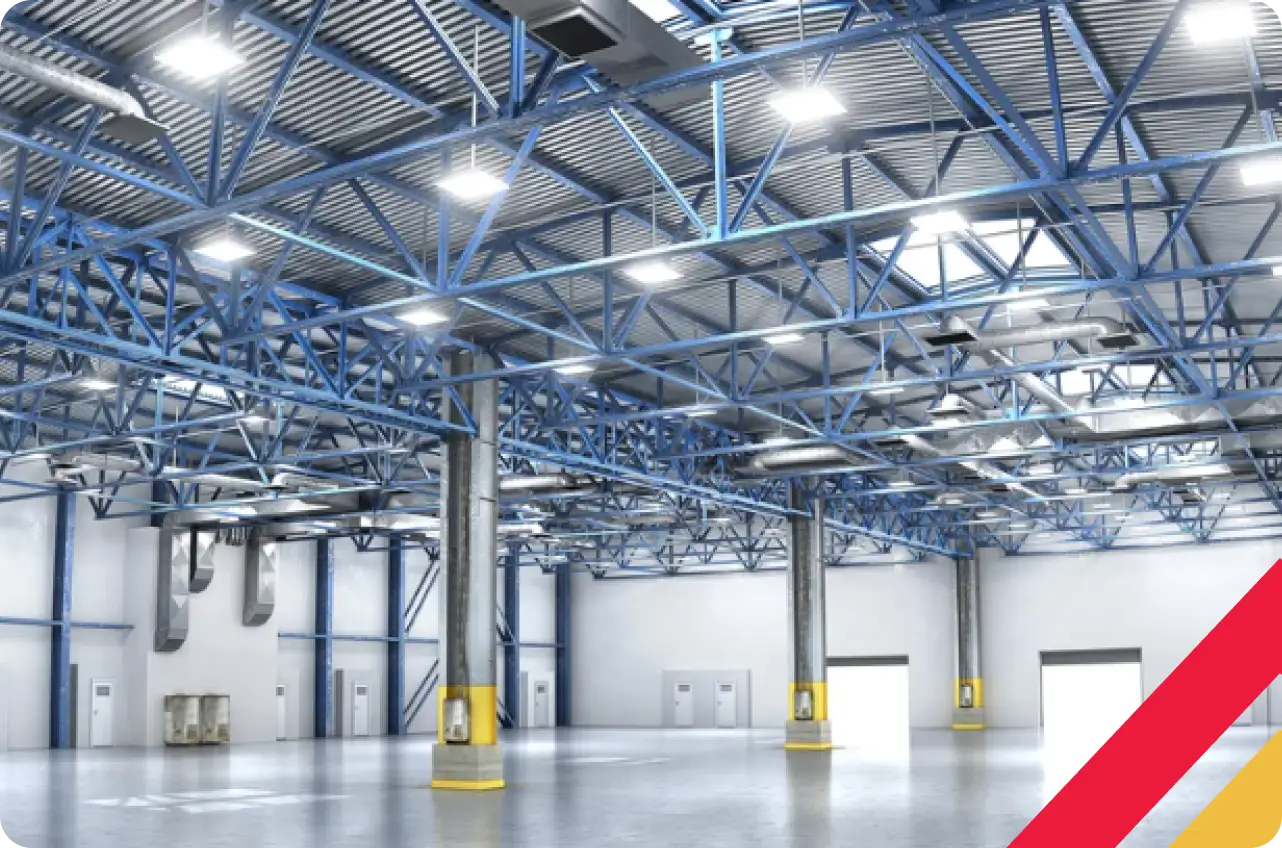
Frequently Asked Questions
What is the Preventis Lighting Ergonomics Module?
It is a cloud-based occupational health and safety (OHS) software module designed to help EHS professionals centralize lighting measurements, track ergonomic workstation controls, and prevent visual fatigue. Choose from the modules that your specific business needs.
Does this software help with CNESST inspections?
Yes. The module stores all your assessment reports, illumination maps, and ergonomic control strategies in a centralized, easily exportable format, making it simple to demonstrate full compliance with lighting standards during a CNESST or RSST audit in Québec.
Can I use the software to track specific workstation interventions?
Absolutely. You can digitally document and track the specific ergonomic adjustments required for individual tasks—such as assigning localized task lighting or installing anti-glare screen protectors—to ensure your workforce's visual health is always protected.
Get Started Optimizing Your Visual Work Environment!